Creating and Assigning VPN Users
After purchasing the VPN you will need to assign licenses to the users on the account who will be using the VPN.
To add new users or assign VPN licenses to an existing user:
- Log in to your PC Matic Portal at portal.pcpitstop.com
-
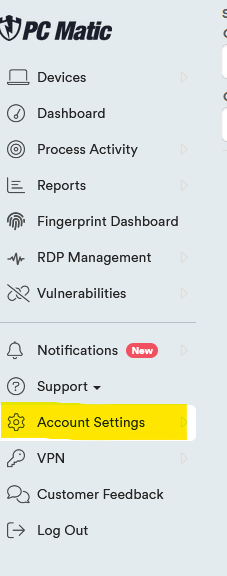
Click on Account Settings
-
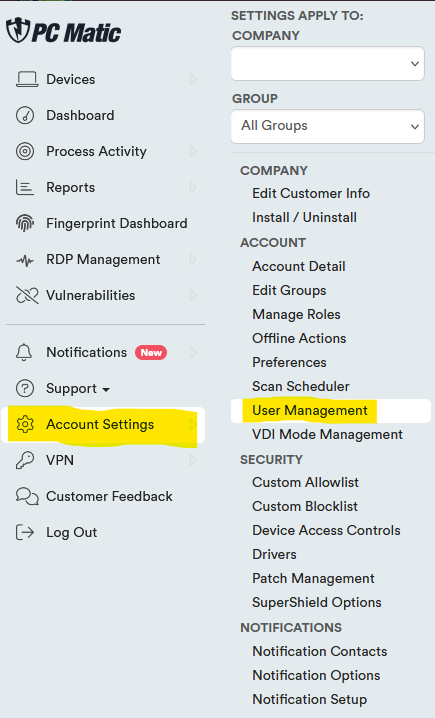
Click on User Management
- Here you can create a new user or add a VPN license to an existing user.
To add a new user; click the Add User button.

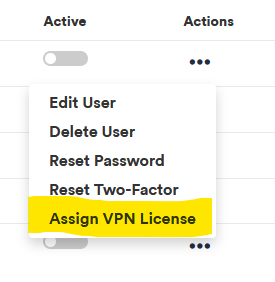
To assign a VPN license click on the menu button (...) under Actions, then click Assign VPN License.